A customer leaves a product in their cart. Later that day, they tap a reminder, open the app and land on the home screen. They have to find the product again and check whether the offer in the message still applies.
The reminder did its job. The campaign still has work to do.
With Omnichannel Control, you can build the reminder and the in-app follow-up in the same Plotline journey. Push, SMS, RCS, email and WhatsApp sit alongside the in-app campaigns and widgets you already run. The journey uses a shared audience and goal, and you can change its next step based on the customer’s response.
We introduced Omnichannel Control in our Fall Release 2026. This post walks through how to use it for a cart recovery campaign, including the decisions around delivery, follow-ups and measurement.
Connecting the reminder to the app
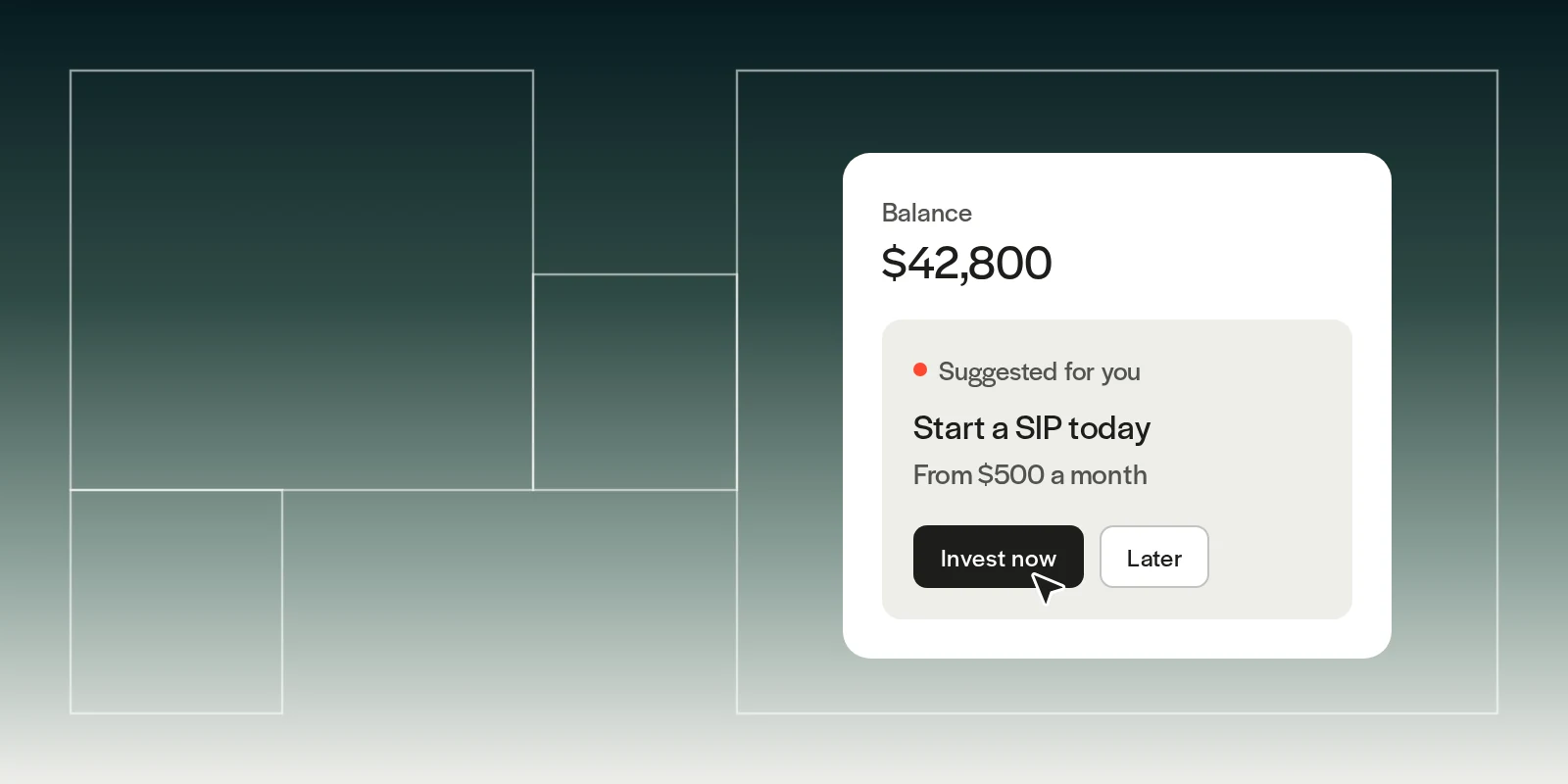
For cart recovery, start by deciding what the customer should see when they return. A push might mention a discount on an item they left behind. The screen it opens should show that item, and an in-app bottom sheet can explain the same offer.
Plotline lets you build that bottom sheet in the dashboard after the SDK is integrated. You can edit the creative, audience and trigger without waiting for another app release. If the offer changes, you can update the message and the in-app campaign together.
The in-app format depends on what the customer needs to do. A bottom sheet gives an offer room for detail. A spotlight can draw attention to a feature on the current screen. A story can explain a product over several slides, while an embedded widget keeps an offer visible within the app’s layout. Widgets need a placeholder added during integration.
This gives the team building the campaign control over more of the customer’s return visit. They can work on the message, its destination and the in-app explanation as parts of the same campaign.
Building the journey
A journey can start when a customer performs an event in the app, when your backend sends an event, or when the customer qualifies for a segment.
For this example, suppose your backend sends a cart_abandoned event. Use it as the journey’s entry condition and add a push notification with a link to the cart. Then add an action-based branch to handle the response to that push.
On the Clicked branch, add the in-app campaign that explains the offer. Configure its screen targeting to match the destination of the deep link. The campaign needs to be eligible on the screen the customer opens; adding it to the journey alone doesn’t establish that targeting.
On the Failed branch, add a delay followed by an email or WhatsApp step. This provides another way to reach a customer when push delivery fails. A failed push and an unanswered push need separate handling, since delivery failure tells you something different from a customer choosing not to open a message.
Finally, set purchase_completed as the journey’s primary event. That gives the sequence a conversion goal that you can use when reviewing results. Our off-app to in-app stitching guide covers the setup in more detail.
Choosing a channel
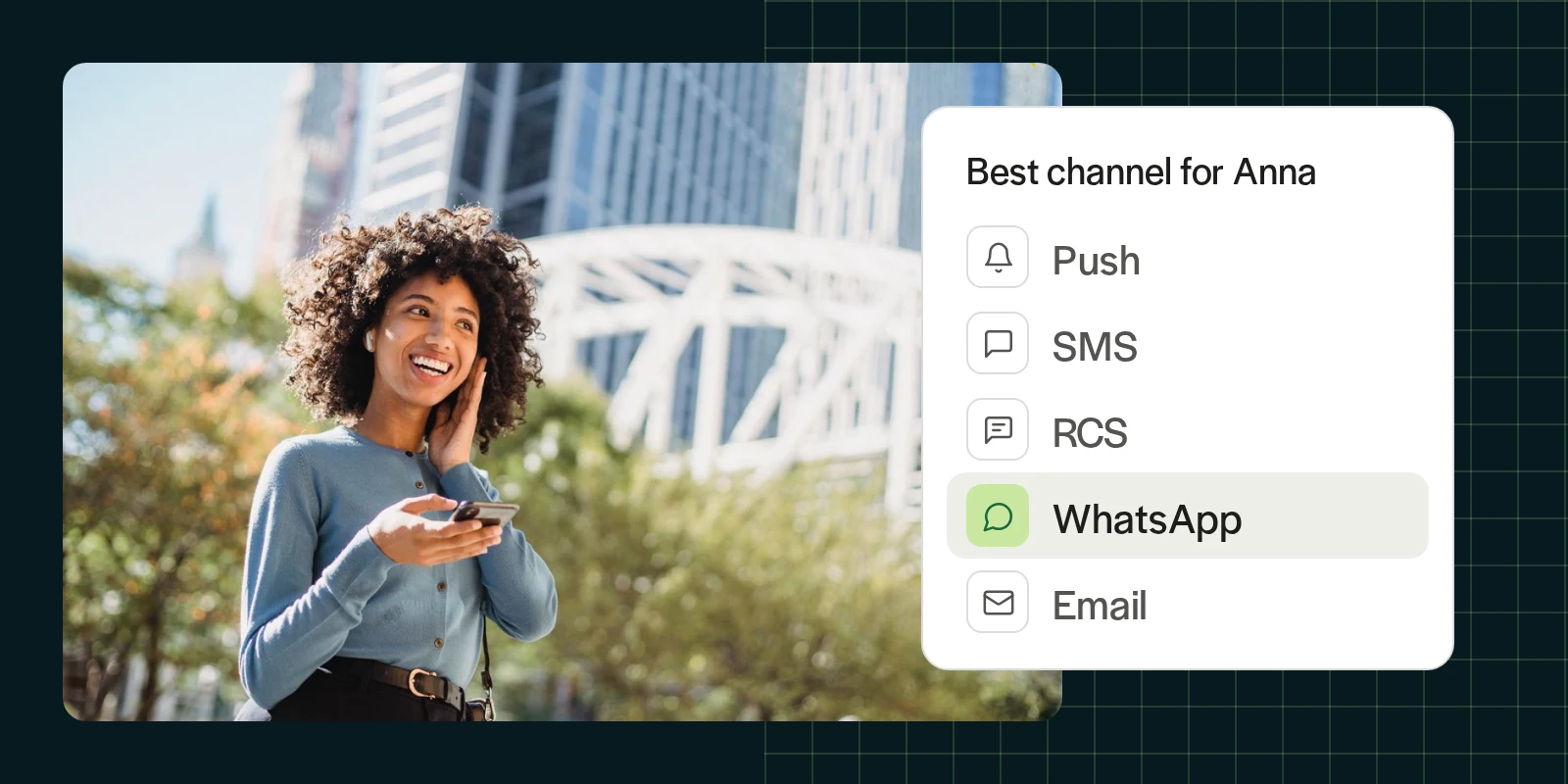
You may already know which channel suits a group of customers. Some have opted into WhatsApp. Some have disabled push. Others use email for information they want to return to later.
Conditional branches let you use segments and customer attributes to route the journey. For example, you could send WhatsApp to customers who have consented to it, then use email for the remaining eligible audience. Recency and purchase history can help you decide whether someone should receive the reminder at all.
The animation below illustrates three different messages. Anna receives a WhatsApp reminder about the red knit in her cart. Leo receives an email about a travel card. James receives a push about expiring free spins. The content uses the context available for each customer.
For a first campaign, use routing rules you can explain and check. Review the eligible audience for each branch, confirm consent and reachability, and check that the offer applies to everyone who can receive it. You can add more branches once you have results from the initial journey.
Checking before the next message
A customer can complete a purchase without opening your reminder. They might return to the app themselves, or finish the purchase on another device. A follow-up based only on elapsed time could still ask them to buy.
Use a conditional branch to check for the purchase before sending the next reminder. Set an evaluation window that fits the campaign, and route customers who have completed the goal out of the reminder sequence. Customers who remain eligible can continue to another channel.
Action-based branches handle responses such as a clicked or failed push. Conditional branches let you evaluate the customer’s behaviour or attributes. Go To nodes connect branches when several paths need to reach the same next step.
Keep the first version readable. A cart reminder with one fallback is easier to inspect than a journey with a separate path for every channel. Add paths when there is a specific delivery problem or customer behaviour to address.
Coordinating sends across campaigns
The cart recovery journey will run alongside other campaigns. A customer might also qualify for a feature announcement and a win-back message that week. Review the combined sending rules before publishing.
Plotline has per-channel and cross-channel frequency limits, Do Not Disturb windows and mutually exclusive journeys. These controls let you limit contact across campaigns and prevent users in one journey from entering another conflicting journey. Send Time Optimization is available for push, email and SMS. Push throttling controls how quickly a large audience receives a send, which helps manage the traffic returning to your app.
For the cart campaign, decide how long the offer remains useful, when reminders may be sent and which other journeys should take priority. Check those settings against the planned delays. A reminder about an expired offer remains incorrect even if it passes the frequency limit.
Measuring purchases across the sequence
Review delivery and clicks to understand where the journey loses customers. Failed pushes may point to a reachability problem. Customers who click and then leave the cart may need a different offer or a clearer checkout experience.
Use the journey’s primary event to evaluate the sequence as a whole. Counting a purchase separately in each channel report can make it difficult to tell how the combined campaign performed.
A holdout helps answer a further question: how many of those customers would have purchased without the campaign? Plotline’s Global Control Group excludes a configured share of users from campaigns across in-app and off-app channels. You can compare goal events for that group with users eligible for your campaigns. Keep the holdout consistent while the test runs, and account for campaigns sent from other systems when interpreting the comparison.
There is already evidence that the in-app follow-up deserves attention. In Lucky Hands’ tooltip campaign test, users who saw the campaigns were 20% more likely to purchase coins. That result concerns the tooltip campaigns; it doesn’t establish the expected lift for a new omnichannel journey. Run a test against your own purchase goal to assess the combined sequence.
Starting with your existing providers
You can connect existing delivery providers in Plotline settings and use them in your journeys. Email supports Custom SMTP, Amazon SES and SendGrid. SMS supports integrated or custom connectors, RCS supports Vonage and Infobip, and WhatsApp uses supported business solution providers and templates approved through your provider.
Start with one audience, one conversion event and the channels you already have configured. Build the in-app destination, check both the clicked and failed paths, and verify that a completed purchase stops further reminders before expanding the campaign.
Explore Fall Release 2026 or book a walkthrough to see Omnichannel Control in action.