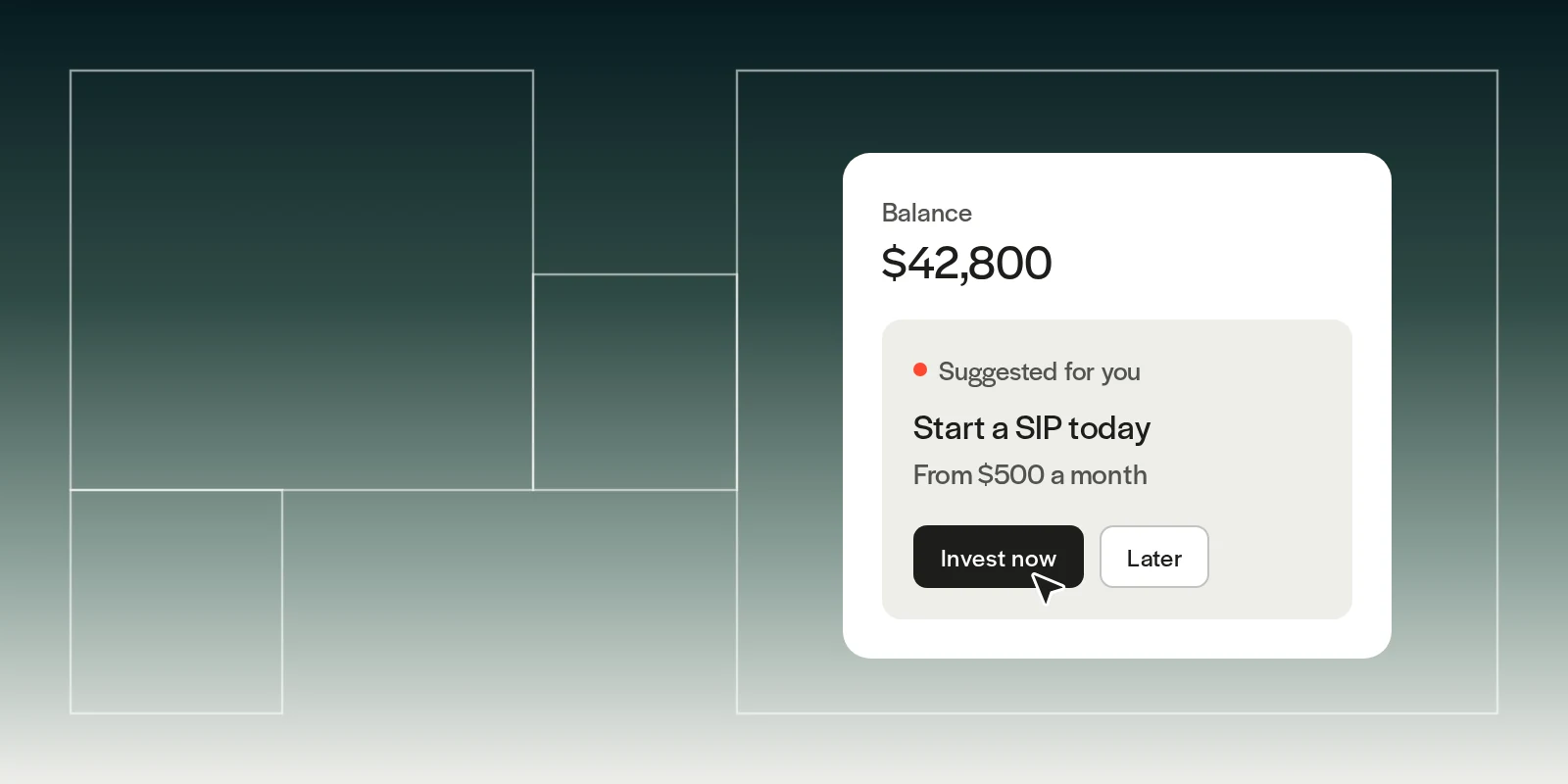
A customer taps your message and opens your app. What happens next should reflect why they came back, what they care about and what they’ve already done.
Plotline’s Fall Release 2026 gives you more control over that experience. Let AI decide the next step for each user, personalize entire pages, connect off-app messages to in-app experiences, and turn insights into action without moving between tools.
Here’s a look at all six updates.
AI Director: Set the goal, not every path
Building a separate journey for every customer scenario takes time. AI Director lets you start with the outcome instead.
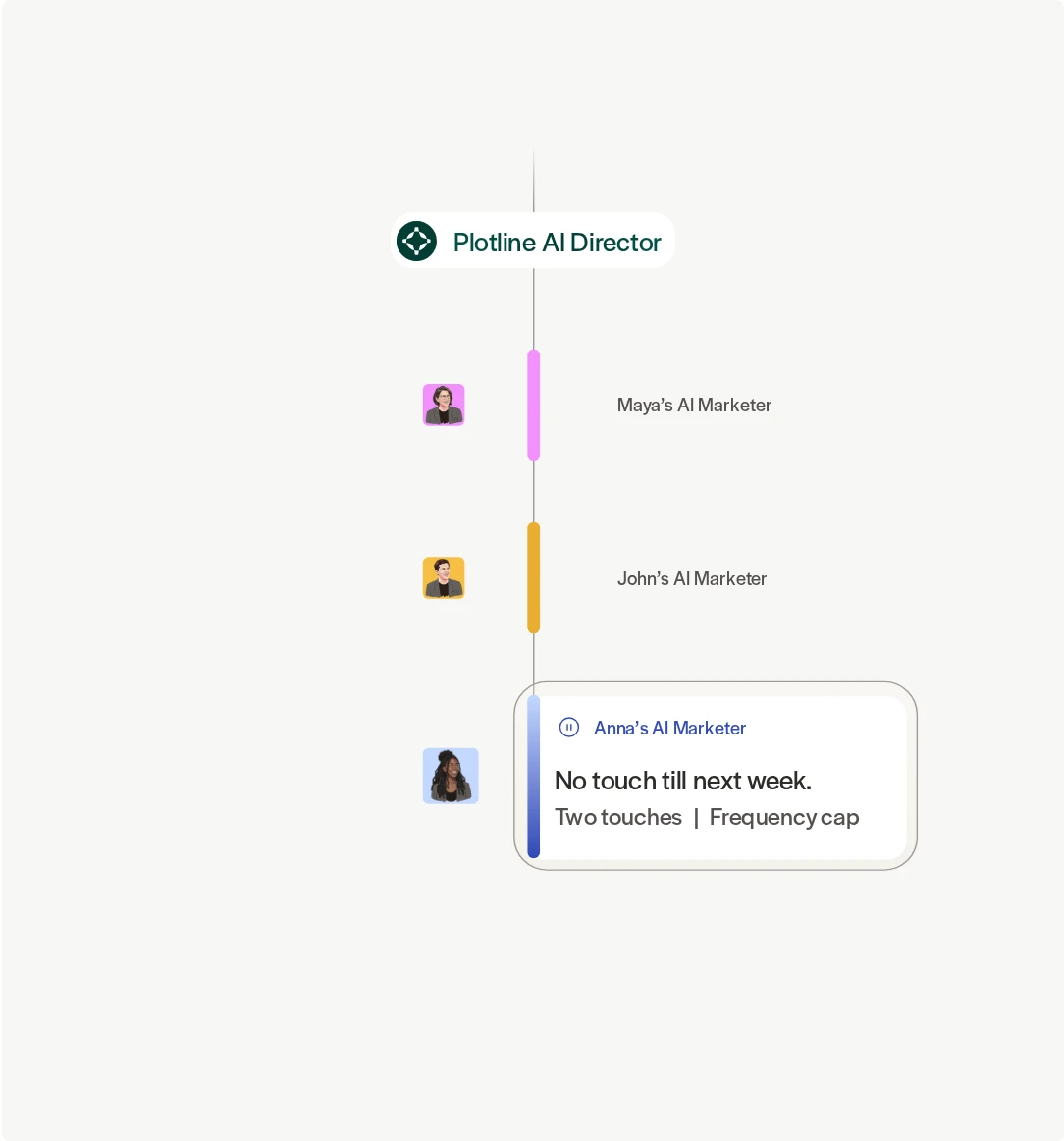
Set your objective, goal event, brand voice and guardrails. AI Director uses each customer’s behaviour, preferences and history to decide what happens next. You stay in control of the goal and boundaries, without mapping every possible path yourself.
Pages: Personalize the whole screen
Your home page doesn’t need to look the same for a new user and a returning customer. With Pages, you can tailor a single row or an entire page, using the flexibility of Plotline widgets.
After a one-time page placeholder integration, choose which rows each user sees and in what order, without another app release. Put onboarding first for new users or bring an abandoned cart to the top for returning shoppers. Product Catalog integration fills rows with relevant products and offers.
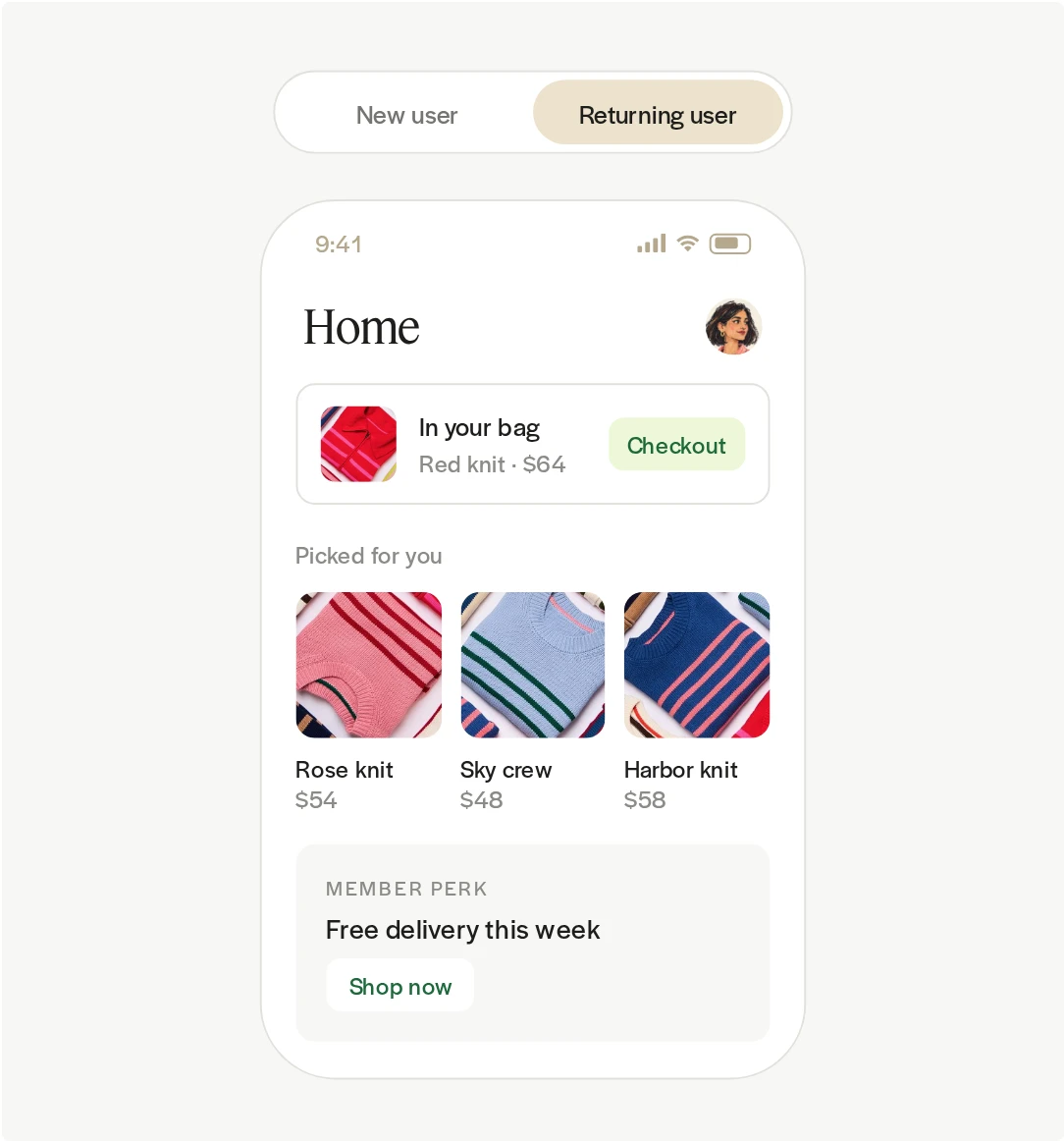
Read how we built Pages in the Plotline SDK.
Omnichannel Control: Connect the message to the experience
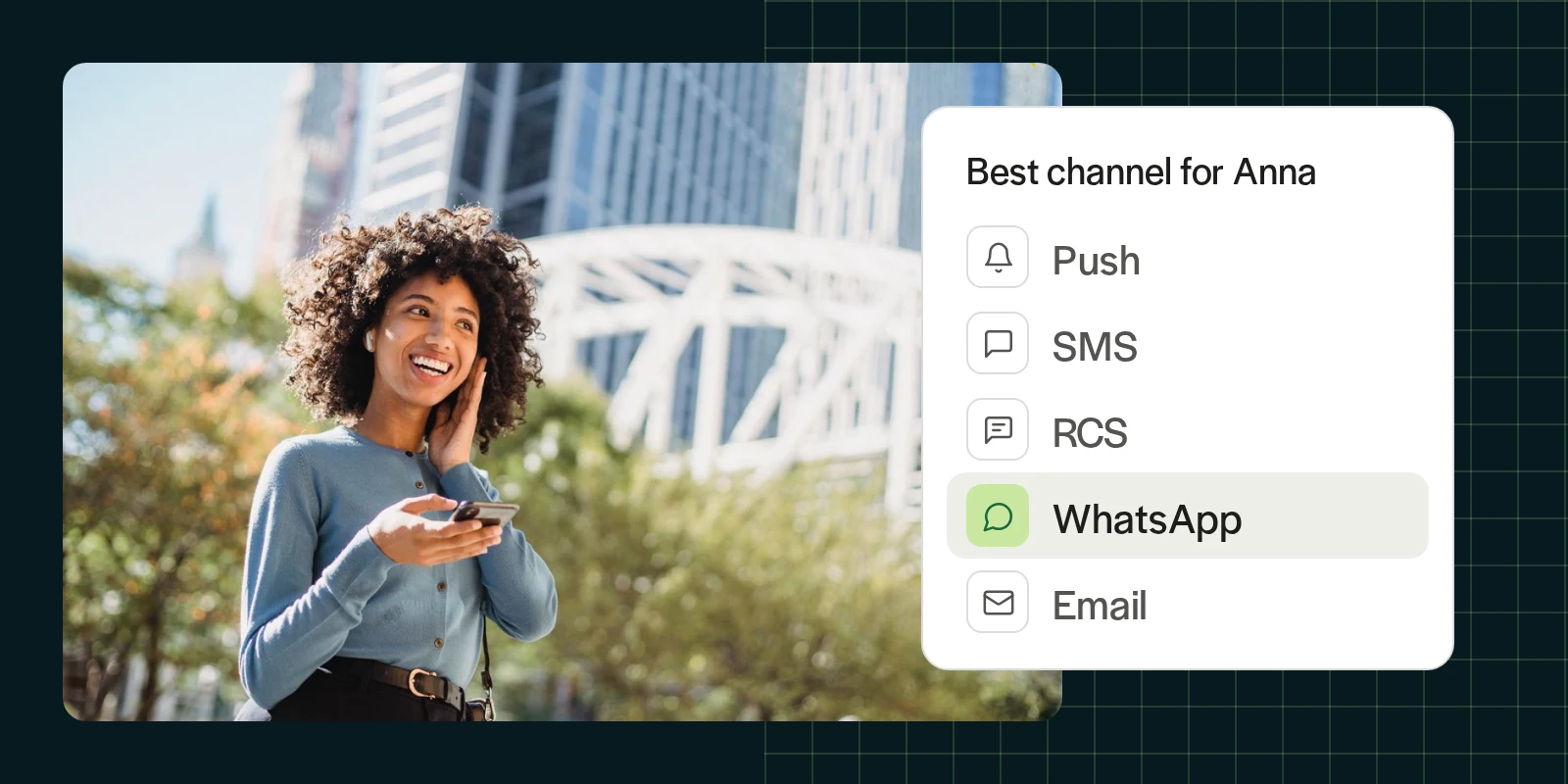
A reminder and the screen it opens should work together. Omnichannel Control brings push, SMS, RCS, email and WhatsApp alongside your in-app experiences in Plotline.
Build connected journeys that follow the customer’s response, rather than treating each channel as a separate campaign. Coordinate the message, follow-up and in-app experience around the same customer goal.
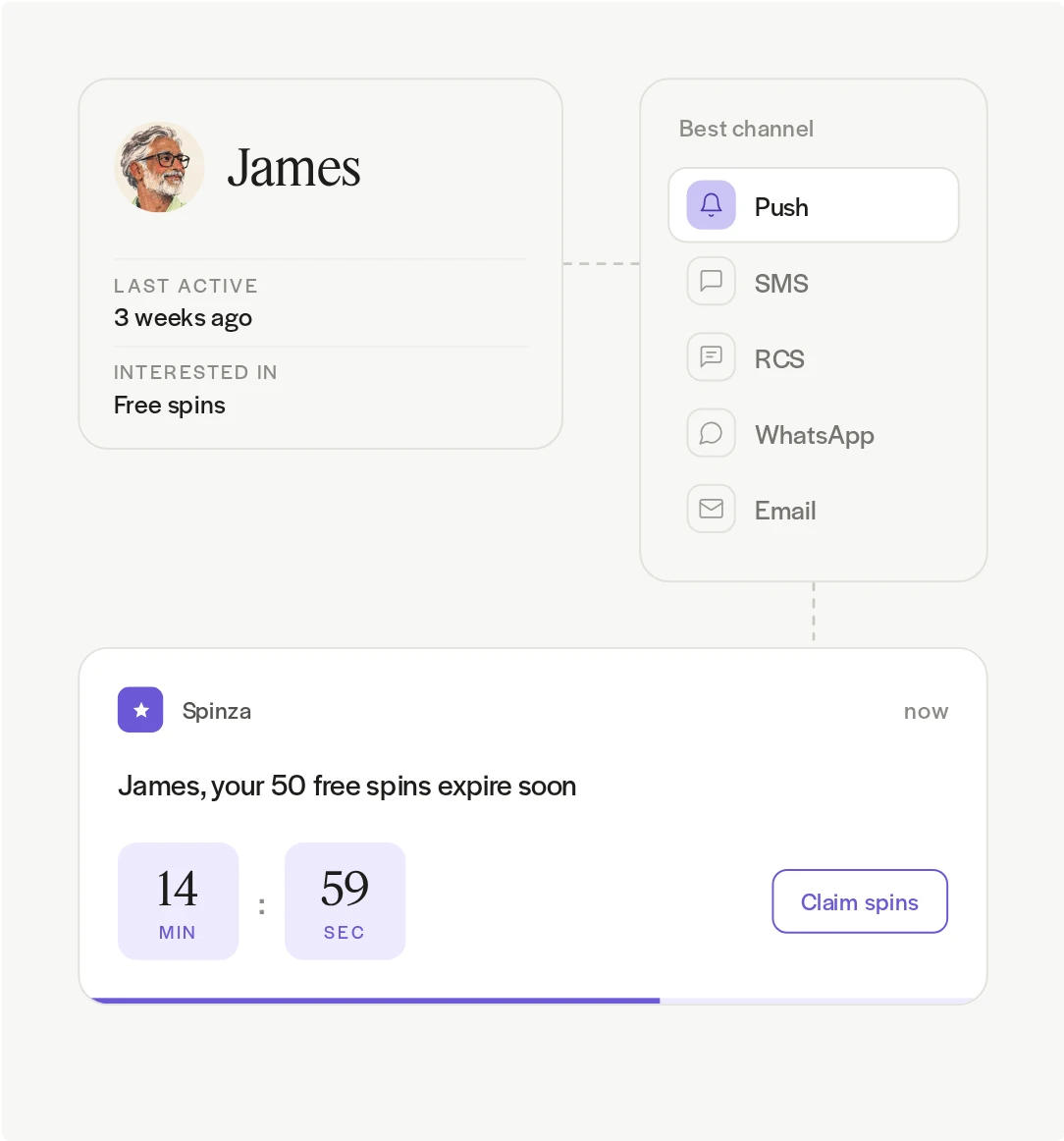
Read the Omnichannel Control walkthrough.
MCP & Sidekick: Delegate work in Plotline
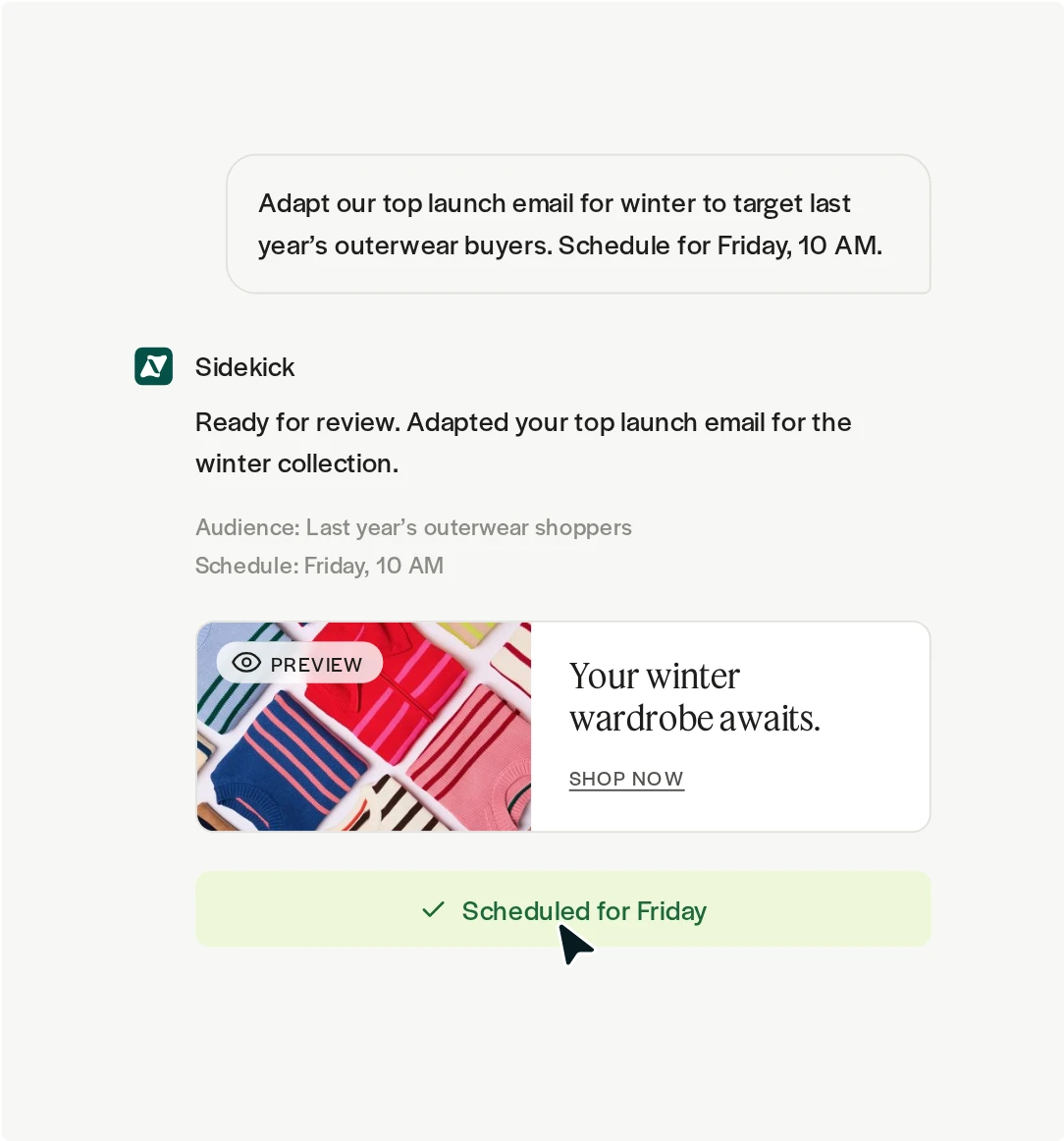
Bring Plotline into your AI workflows. Plotline’s functionality is exposed through MCP, so you can delegate work through connected AI tools.
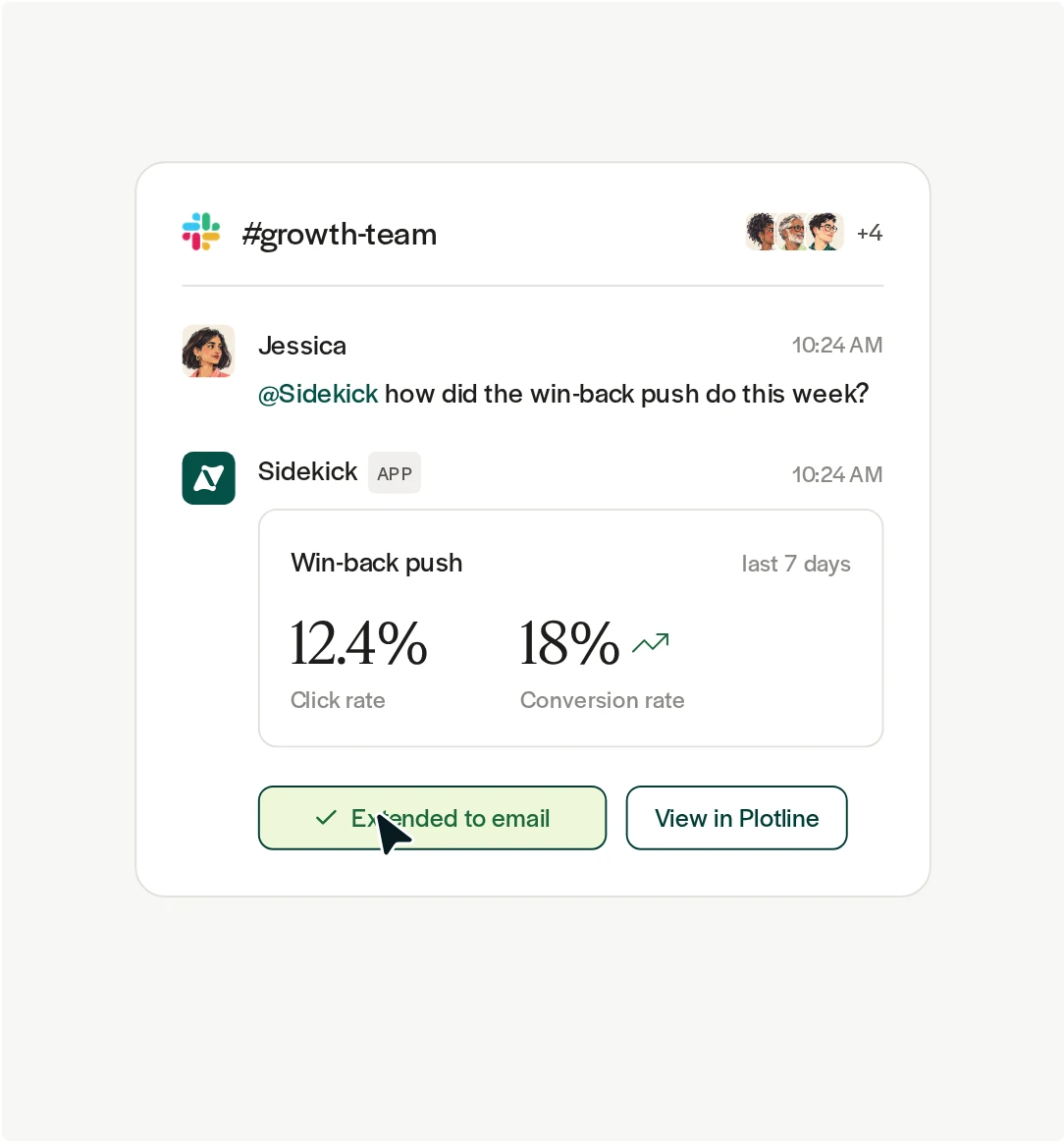
Sidekick brings that assistance into the Plotline dashboard and Slack. Work with Plotline where you’re already planning campaigns and reviewing results, instead of moving every task into a different interface.
Product Analytics: Understand the drop-off, then act
Knowing where customers leave is only the start. Product Analytics brings Trends, Funnels, Cohorts and Paths together with a full year of history, so you can examine the behaviours behind your results.
Session Replays help you see why users drop off. Once you’ve found a point of friction, create a campaign in the same tool to help customers take the next step.
Plotline in Slack: Keep the discussion close to the data
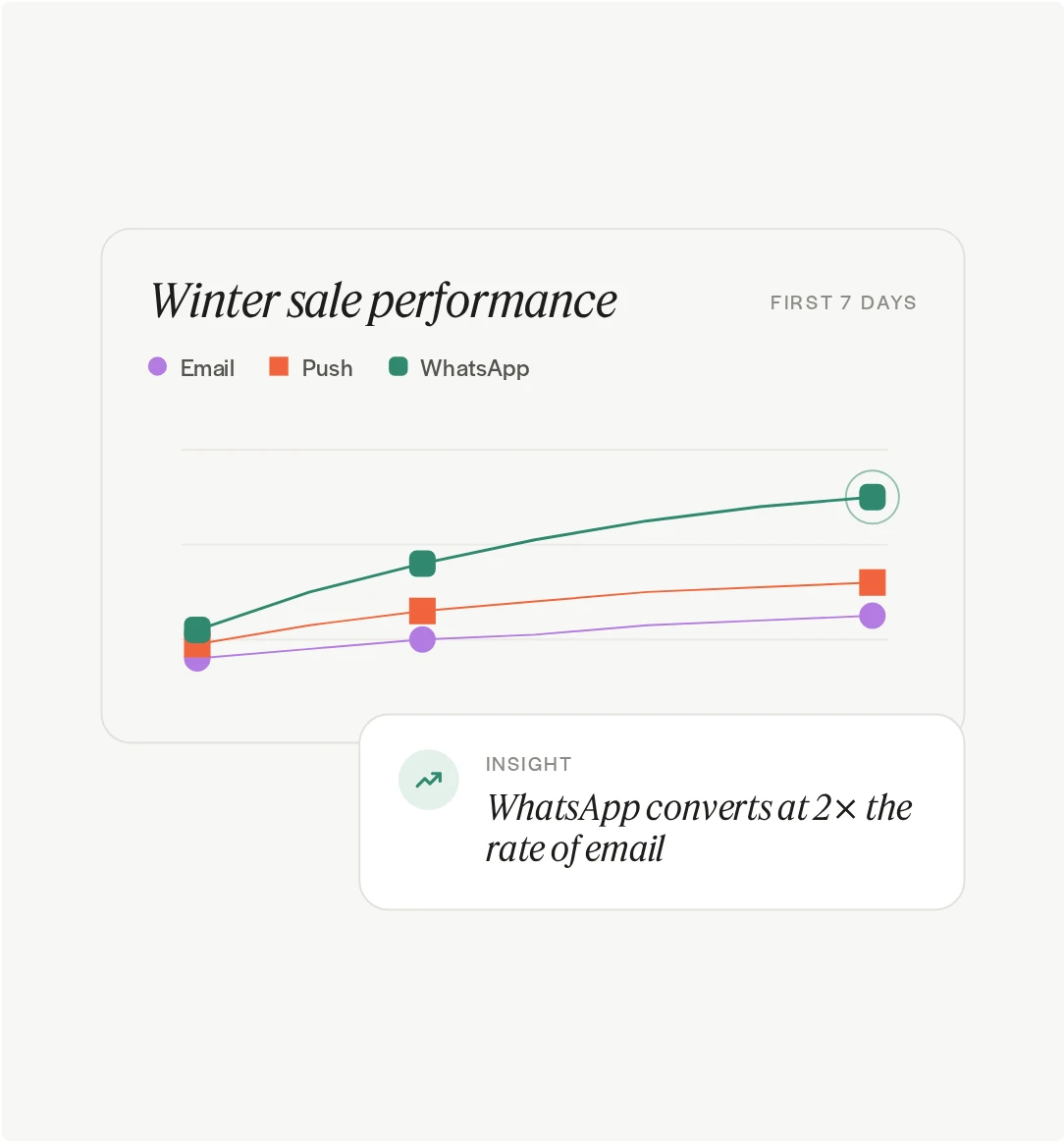
Campaign decisions often happen in a team conversation. Plotline in Slack brings results and alerts into the channels you already use.
Ask Sidekick a question about performance or share a campaign win and get the numbers back in the conversation. Your team can review what happened and decide what to do next without switching tabs.
See the Fall Release in action
Watch the Fall Release deep dive, or schedule a walkthrough to see how they fit your app.